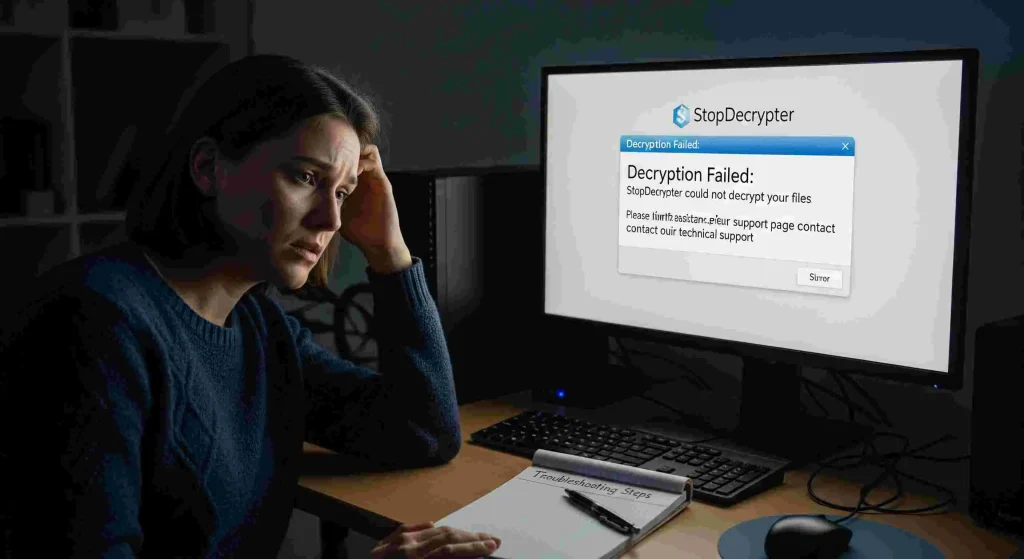

In the age of digital threats, ransomware attacks have become an alarming reality for individuals and businesses alike. One of the questions that frequently arises in cybersecurity forums and support communities is: Can StopDecrypter recover all encrypted files? This question isn’t just about curiosity; it’s about real stakes, as encrypted files often contain critical personal or business information.
StopDecrypter is one of several tools designed to tackle ransomware, promising file recovery for victims. But can it truly restore every single encrypted file, or are there limitations that users need to understand? This comprehensive guide explores the capabilities, limitations, and practical use of StopDecrypter for encrypted file recovery.
File Encryption and Ransomware
Before diving into StopDecrypter, it’s important to understand how ransomware encrypts files. Ransomware is malicious software that locks files using complex encryption algorithms, often rendering them inaccessible until a ransom is paid. Modern ransomware variants are highly sophisticated, employing asymmetric encryption methods where files are locked with a public key, and only the attacker holds the private key required for decryption.
The consequences of ransomware attacks are severe. Individuals may lose personal photos, documents, or financial records, while businesses can face operational downtime, financial losses, and reputational damage. In this context, a decryption tool like StopDecrypter can seem like a lifeline—but expectations must be realistic.
How StopDecrypter Works
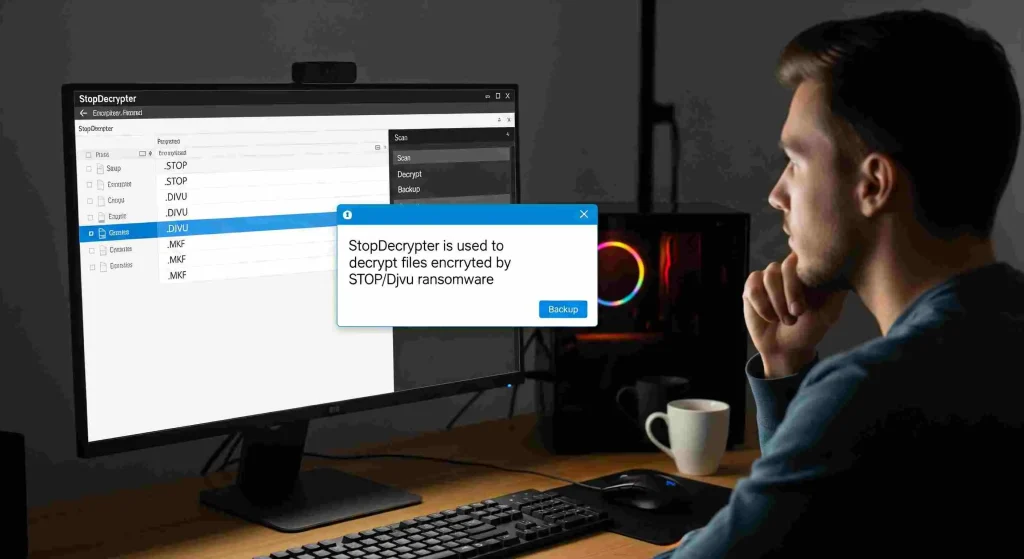
StopDecrypter is a ransomware decryption tool specifically designed to target the STOP/Djvu family of ransomware. These ransomware strains are notorious for their widespread attacks on Windows systems, encrypting files with extensions like .djvu, .adobe, and .puma.
The tool functions by scanning the affected computer, identifying encrypted files, and attempting to restore them using decryption keys or fallback mechanisms. StopDecrypter maintains a database of known keys released by security researchers and law enforcement agencies, which allows it to decrypt files in certain situations.
However, understanding its methodology is key to knowing its limits. StopDecrypter cannot brute-force files encrypted with strong, unique keys unknown to the public. Instead, its success relies heavily on whether the ransomware used a key that is publicly available.
Limitations of StopDecrypter
While StopDecrypter is a powerful tool, it is not a universal solution. The primary limitation lies in the diversity of ransomware strains and their encryption methods. Some of the key limitations include:
- Unknown Encryption Keys: If ransomware uses a new or private key, StopDecrypter cannot decrypt the files. It relies on publicly known decryption keys.
- Partial Decryption: Even when keys are available, some files may become corrupted during encryption, leading to partial or incomplete recovery.
- File Type Restrictions: Certain file types, particularly complex formats like databases or proprietary software files, may not recover correctly.
- System Changes: If ransomware has altered system files or damaged metadata, StopDecrypter may fail to restore original file names or folder structures.
Users must understand that expecting StopDecrypter to recover all encrypted files is often unrealistic. Instead, it should be viewed as one part of a broader recovery strategy.
Step-by-Step Guide to Using StopDecrypter
For individuals wondering if StopDecrypter can recover all encrypted files on their system, a methodical approach is critical. Here’s a step-by-step guide:
Backup Encrypted Files
Before attempting any decryption, create a secure backup of all encrypted files. This ensures that you have a copy in case the decryption process fails or causes further corruption.
Download and Install StopDecrypter
Obtain StopDecrypter from a trusted source. Avoid downloading cracked or unofficial versions, as these could carry malware or further compromise your system.
Run the Scan
Launch StopDecrypter and allow it to scan your system. The tool will identify encrypted files and match them against its database of known keys.
Attempt Decryption
If the tool detects a matching key, you can attempt to decrypt the files. The process may take time depending on the number and size of encrypted files.
Verify File Integrity
After decryption, check files for integrity. Open documents, images, and other file types to ensure they are fully restored. If some files remain unreadable, alternative recovery methods may be required.
Can StopDecrypter Recover All Encrypted Files? The Realistic Answer
The honest answer to the question “Can StopDecrypter recover all encrypted files?” is nuanced. StopDecrypter is effective against certain ransomware variants and known encryption keys, but it cannot guarantee a 100% recovery rate. Success depends on factors such as:
- Ransomware Variant: Older STOP/Djvu strains are more likely to be decryptable, while newer variants may use undisclosed keys.
- File Condition: Files partially overwritten or damaged may remain unrecoverable.
- Encryption Method: Strong asymmetric encryption without known keys cannot be bypassed by StopDecrypter.
While StopDecrypter may successfully recover many encrypted files, claiming it can restore all files under every scenario is inaccurate. Users must balance hope with practical expectations.
Alternative Recovery Options
For files that StopDecrypter cannot recover, several alternative strategies exist:
Data Backups
The most reliable method to restore encrypted files is through regular backups. Cloud storage or offline backups ensure that encrypted files can be replaced without relying on decryption tools.
Professional Data Recovery Services
Specialized data recovery services may be able to retrieve partially encrypted or corrupted files. These services can be costly but are sometimes the only solution for critical data.
Other Decryption Tools
Various ransomware families have dedicated decryption tools maintained by cybersecurity researchers. Exploring multiple tools may increase recovery success for stubborn files.
Best Practices to Prevent File Encryption
While StopDecrypter and other tools offer solutions post-infection, prevention remains the most effective strategy. Some best practices include:
- Regular Backups: Maintain offline and cloud backups of critical files.
- Update Systems: Keep operating systems, antivirus software, and applications up to date.
- Email Vigilance: Avoid opening suspicious emails or attachments, which are common ransomware vectors.
- Network Security: Implement firewalls and endpoint protection to prevent ransomware spread.
- User Education: Train employees and family members to recognize phishing and malicious activity.
These measures reduce the reliance on decryption tools and increase overall digital resilience.
Case Studies: StopDecrypter in Action
Examining real-world scenarios helps understand the tool’s capabilities:
Personal Laptop
A user infected by the STOP Djvu ransomware reported encrypted images and documents. StopDecrypter successfully decrypted over 90% of files, while a few database files remained partially corrupted. This demonstrates that the tool is highly effective for common file types but may struggle with complex formats.
Small Business Server
A small business experienced a ransomware attack affecting both local and networked drives. StopDecrypter recovered essential office documents but could not decrypt accounting software files encrypted with a newer variant. Professional recovery services supplemented the process to retrieve the remaining files.
These examples illustrate that while StopDecrypter is a valuable tool, full recovery is not guaranteed.
Myths and Misconceptions
Several myths surround StopDecrypter:
- Myth 1: It Can Decrypt Any Ransomware – False. It is primarily effective against STOP/Djvu variants.
- Myth 2: Payment Is Necessary for Recovery – False. Using StopDecrypter does not require paying a ransom and may restore files without contacting attackers.
- Myth 3: All Files Will Always Be Restored – False. Success depends on known keys and file integrity.
Understanding these misconceptions helps users make informed decisions and avoid scams.
Optimizing StopDecrypter for Better Results
While you cannot increase the inherent capability of StopDecrypter, certain actions can improve recovery outcomes:
- Centralize Encrypted Files: Place all encrypted files in a single directory for easier scanning.
- Disable Interfering Programs: Antivirus or active malware may interfere with the decryption process; temporarily pausing them can help.
- Check for Updates: Ensure you use the latest version of StopDecrypter, as new keys are regularly added.
These optimizations maximize the chance of successful file recovery.
When StopDecrypter Is Not Enough
Even with the best practices, there will be scenarios where StopDecrypter cannot recover all encrypted files. In such cases:
- Accept partial recovery as a realistic outcome.
- Focus on restoring critical data first.
- Engage professional help for mission-critical files.
- Implement stronger preventive measures to avoid future attacks.
Understanding the limitations is key to maintaining calm and strategic decision-making during a ransomware crisis.
Conclusion
So, can StopDecrypter recover all encrypted files? The short answer is no, it cannot guarantee complete recovery in every scenario. However, it remains one of the most effective tools against certain ransomware families, particularly older STOP/Djvu variants. Its ability to decrypt files depends on known encryption keys, file integrity, and the specific ransomware strain.
While it may restore a significant portion of encrypted files, expecting total recovery is unrealistic. Users should combine StopDecrypter with robust backup practices, alternative recovery tools, and preventive cybersecurity measures to mitigate the impact of ransomware attacks. In the battle against file encryption, StopDecrypter is a valuable ally—but not a magical cure-all.