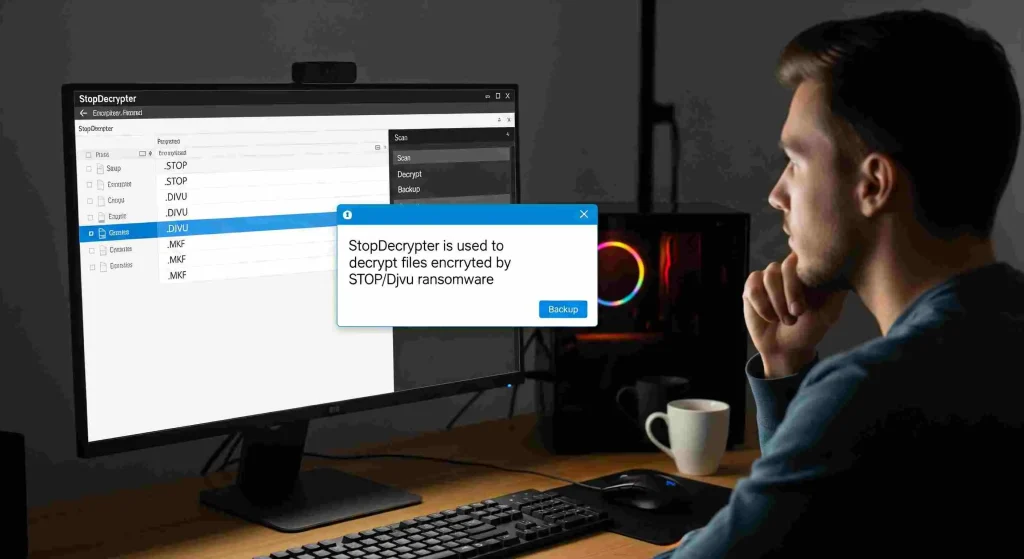
Ransomware attacks have become increasingly sophisticated, leaving individuals and businesses scrambling for solutions to recover encrypted files. Among the tools designed to combat these threats, StopDecrypter has gained attention for its ability to decrypt files affected by STOP/Djvu ransomware variants.
However, many users hesitate before running it, asking themselves, “Is it safe to run StopDecrypter on an infected system?” This question is critical, as improper use of decryption tools could potentially worsen the situation or compromise sensitive data.
How StopDecrypter Works
StopDecrypter is a specialized tool designed to decrypt files encrypted by the STOP/Djvu ransomware family. This type of ransomware typically targets documents, images, videos, and other important files, appending extensions such as .djvu or .stop and demanding a ransom for access. Unlike general antivirus software, StopDecrypter focuses on retrieving access to encrypted files using known decryption keys.
The tool works by identifying whether the encryption key is available online or offline. Offline keys are those that can be cracked without contacting the ransomware’s server, while online keys are unique to each infection and cannot always be retrieved. Understanding this distinction is essential when evaluating the safety and effectiveness of running StopDecrypter.
The Risks of Running Decryption Tools on an Infected System
Running any software on an infected system carries inherent risks. Malware can interfere with programs, cause conflicts, or even inject malicious code into legitimate tools. When it comes to StopDecrypter, several specific concerns arise:
- System Instability: Some ransomware strains actively block or disrupt decryption tools. Attempting to run StopDecrypter without proper precautions could cause system crashes or further data corruption.
- File Overwrites: StopDecrypter modifies encrypted files as part of the decryption process. If the system is unstable or other malware is present, these modifications could lead to permanent loss of files.
- False Sense of Security: Users may assume the tool will resolve all ransomware issues, but some variants or encrypted files may remain inaccessible, creating frustration and potential data loss.
Despite these risks, StopDecrypter is generally considered safe when used correctly. The key lies in preparation and understanding the environment in which it is being executed.
Preparing Your System Before Running StopDecrypter
To maximize safety and ensure successful decryption, it is crucial to prepare your system before using StopDecrypter:
Create a Full Backup
Before running StopDecrypter, make a complete backup of all encrypted files. Even if the tool is safe, unexpected interruptions can occur. Keeping a backup ensures you can restore your files if anything goes wrong.
Isolate the Infected System
Running StopDecrypter on a network-connected computer can pose additional risks. Malware may attempt to spread across network drives or cloud storage. Isolating the system from the internet and other devices reduces this risk and prevents further infection.
Update Your Antivirus
Ensure your antivirus software is up-to-date and run a full system scan. StopDecrypter is not a substitute for antivirus protection, and residual malware may still be present. Removing active threats before decryption minimizes interference.
Understand Key Availability
Check whether your files are encrypted with online or offline keys. StopDecrypter is most effective with offline keys. Attempting decryption with an online key may fail or provide only partial recovery, which could lead to wasted time or corrupted files.
Step-by-Step Guide to Running StopDecrypter Safely
Following a methodical approach enhances safety when running StopDecrypter. Here’s a step-by-step guide:
- Download from Official Source: Only use the official StopDecrypter tool. Third-party versions can be malicious or outdated.
- Disconnect from the Internet: This prevents ransomware from communicating with its servers and reduces the risk of data leaks.
- Run as Administrator: Launch the tool with administrative privileges to ensure proper access to all encrypted files.
- Encrypted Files: Point StopDecrypter to the folders containing encrypted files. Avoid scanning the entire system unnecessarily.
- Check for Key Detection: Allow the tool to detect offline keys. If only online keys are found, consider alternative recovery methods.
- Start Decryption: Execute the decryption process while monitoring system stability. Do not interrupt the tool mid-process.
- Verify Files Post-Decryption: Check each decrypted file to ensure integrity and readability.
- Maintain Backups: Keep a copy of recovered files separate from the infected system for added security.
Addressing Common Concerns About Safety
Many users hesitate to run StopDecrypter because of fear and uncertainty. Addressing common concerns can provide reassurance:
Can StopDecrypter Make Things Worse
If used improperly, any decryption tool can create problems. However, StopDecrypter itself does not inject malware. Issues typically arise from unstable systems, conflicting malware, or attempting to decrypt files with unsupported keys.
Will It Affect My Personal Data
StopDecrypter only interacts with encrypted files. Your personal files that were not affected by ransomware remain untouched. This makes it safer than some broad-spectrum tools that might interfere with other system files.
What About New Ransomware Variants
StopDecrypter is continuously updated to handle new STOP/Djvu variants. While some very recent strains may not yet be supported, running the tool on supported files is safe and often effective.
Alternative Approaches for Enhanced Safety
While StopDecrypter is effective, combining it with other approaches increases safety:
- Use a Virtual Machine (VM): Running StopDecrypter in a VM isolates the process from your main system, minimizing risk of system-wide corruption.
- Consult a Professional: For business-critical files, professional cybersecurity services can ensure safe decryption without risking additional damage.
- Check for Free Online Decryptors: Some ransomware variants have publicly available decryptors. Verifying file type before using StopDecrypter can prevent unnecessary risk.
Real-World Examples and Success Rates
Many users have successfully decrypted files using StopDecrypter. For instance, photographers and freelancers who fell victim to STOP/Djvu ransomware were able to restore their essential work with minimal data loss. Reports indicate a high success rate when offline keys are available. Even in cases where online keys were involved, partial recovery often salvaged critical data.
These examples illustrate that when precautions are followed, running StopDecrypter is not only safe but also an effective way to recover encrypted files.
Best Practices After Decryption
After successfully using StopDecrypter, maintaining system security is essential:
- Install Robust Security Software: Protect your system against future ransomware attacks.
- Regular Backups: Implement automatic backups to avoid future data loss.
- Educate Users: Awareness of phishing emails and malicious downloads reduces infection risk.
- Monitor System Performance: Keep an eye on unusual behavior, which may indicate residual malware.
Common Mistakes to Avoid
Even with a tool like StopDecrypter, users make errors that reduce safety:
- Attempting decryption on a system with active ransomware
- Ignoring backups before starting the process
- Using outdated versions of StopDecrypter
- Trying to decrypt unsupported file types
Avoiding these mistakes ensures the process remains safe and effective.
Conclusion
The question “Is it safe to run StopDecrypter on an infected system?” is one of the most common concerns for ransomware victims. The answer, based on expert evaluation, is yes, StopDecrypter is generally safe when proper precautions are taken. By isolating the system, creating backups, and understanding key types, users can decrypt their files effectively without introducing additional risk. While no tool guarantees 100% recovery, StopDecrypter offers a reliable solution for STOP/Djvu ransomware victims seeking to regain access to their data safely.